
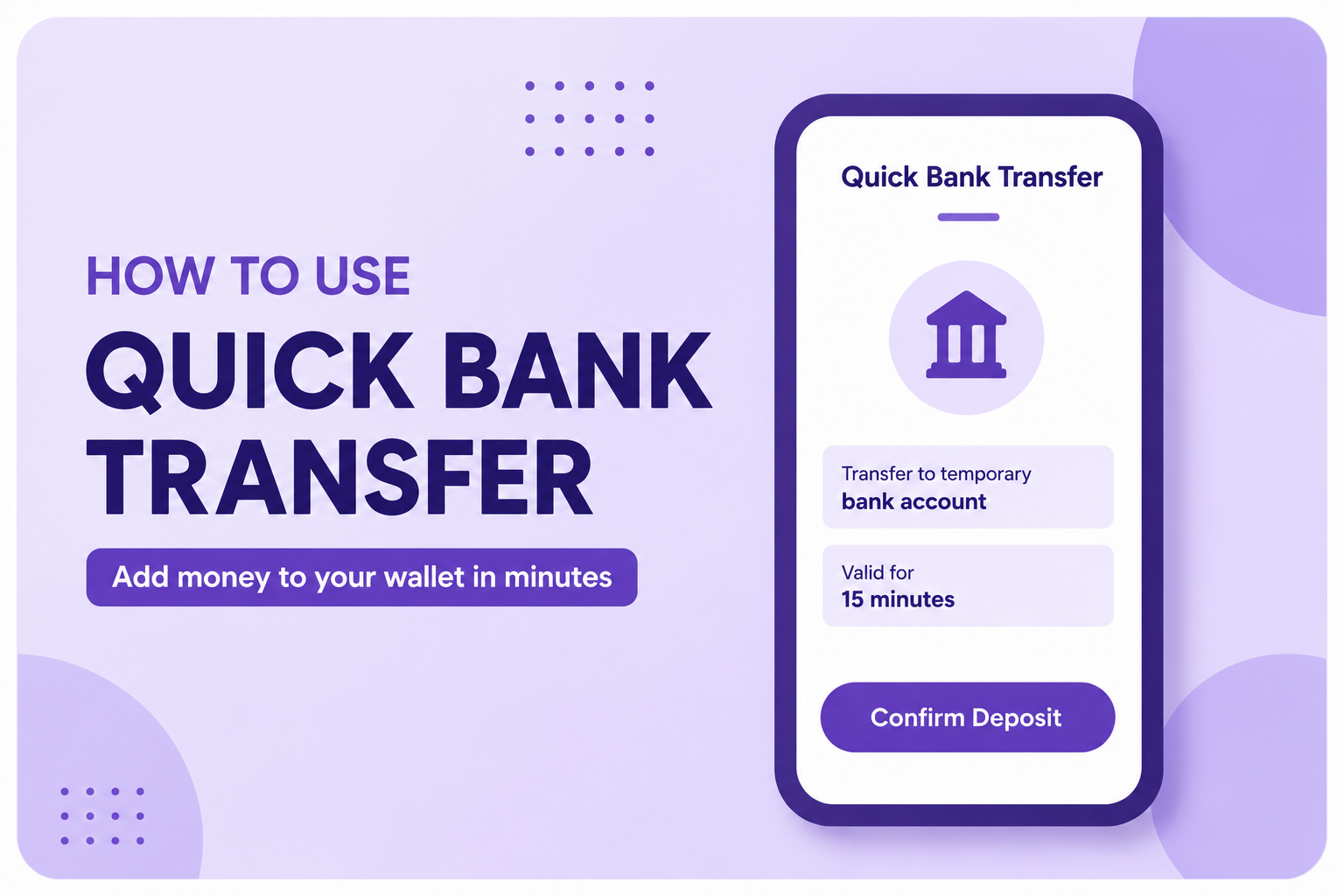
Funding your Tobopay wallet is now faster and more convenient with Quick Bank Transfer. Follow the steps below to add money to your wallet in just a few minutes.
Step 1: Open the Tobopay App
Launch the Tobopay app and log in to your account.
Step 2: Tap Add Money
From the home screen, select Add Money to view the available funding options.
Step 3: Choose Quick Bank Transfer
Tap Quick Bank Transfer to begin the process.
Step 4: Enter the Amount
Input the amount you want to add to your wallet, then tap Continue.
Step 5: Transfer to the Generated Account
A temporary bank account number will be generated for you. This account is valid for only 15 minutes, so ensure you complete the transfer before it expires.
Step 6: Confirm Your Deposit
After successfully transferring the money to the generated account, return to the Tobopay app and tap Confirm Deposit.
Step 7: Receive Your Funds
Once your payment is verified, the transferred amount will be credited directly to your Tobopay wallet, ready for instant use.
Important Notes
The generated account number expires after 15 minutes.
Always transfer the exact amount you entered.
If the account expires before payment is made, simply generate a new one by repeating the process.
Ensure you tap Confirm Deposit after completing your transfer to speed up verification.